Clear stuck reminder in Outlook 2011 Mac?
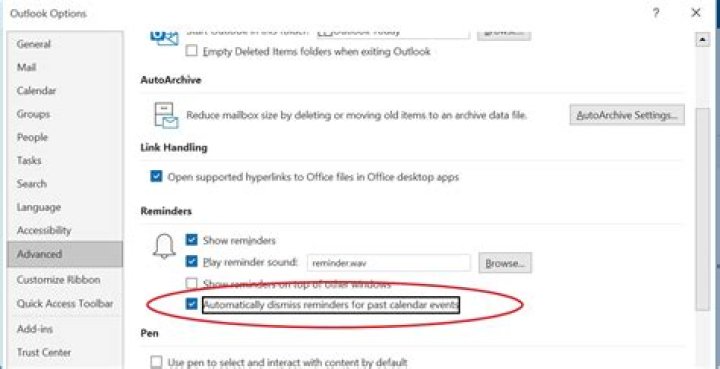
I've got a reminder that won't go away after dismissing. The calendar event no longer exists. Using Outlook 2011 with an Exchange account.
Any suggestions?
52 Answers
The full solution seems to be:
- open Outlook and turn off "calendar reminders" under the Outlook menu drop-down
- reboot or log out and back in while holding the shift key to disable startup apps
open a terminal and navigate to the correct folder. On my system, it was:
/Applications/Microsoft Office 2011/Microsoft
and then type
./Microsoft\ Outlook /cleanreminders &The command line solution was found here.
To expand on Wayne's answer, because that also helped me:
- Go into Calendar view by clicking on the Calendar icon under the Mail icon on the lower left of the main Outlook window. This will bring Outlook to the calendar view.
- From the account that has issues (or the only top level calendar label form the left view), right-click (or option-click) on the top most calendar item in the tree view.
- Click on Folder Properties. A new window appears titled "Folder Properties: Calendar"
- Under the General Tab click on the Empty button.
This will remove ALL calendar items from the local computer and the next time a sync is performed all items from the server will sync back and hopefully the repeating reminders will now be gone.
1

