chroot: failed to run command '/bin/bash': No such file or directory Ubuntu 18.04
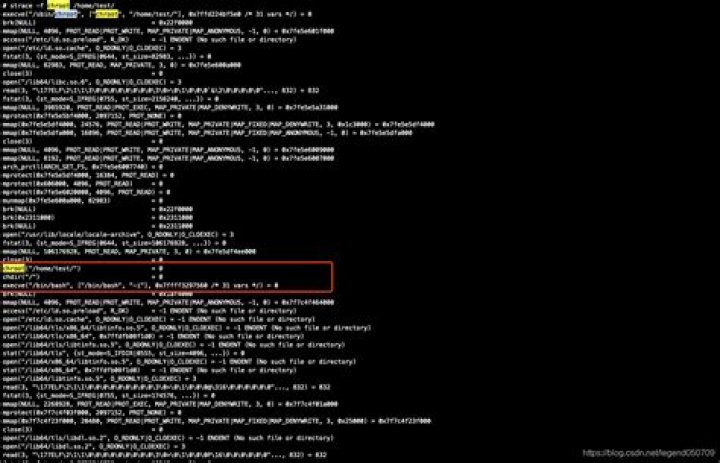
I'm following these instructions to make a debian.img in a ubuntu 18.04 on a virtual box build
- On the PC, create a folder and generate a formatted, mountable image.
- Install a Debian Buster linux inside the chroot environment with the debootstrap command.
- Upload this image (debian.img) to your web server to download it later
The link to the site here
mkdir -p webkey/tutorial
cd webkey/tutorial
dd if=/dev/zero of=debian.img bs=1024 count=614400
sudo mkfs.ext2 -F debian.img
sudo tune2fs -c0 debian.img
mkdir debian
sudo mount -o loop debian.img debian/
sudo debootstrap --verbose --foreign --arch armel buster debian
sudo chroot debian
export LC_ALL=C
debootstrap/debootstrap --second-stage
I have done everything upto
sudo chroot debianWhen i enter this it gives me
chroot: failed to run command '/bin/bash': No such file or directoryI have read all the posts about chroot and this error none of these solutions does not seem to work for me. Or maybe I am doing something wrong.
Thanks for your time and expertise.
5 Reset to default

