chromium-browser cannot cast desktop to chromecast, immediately disconnects
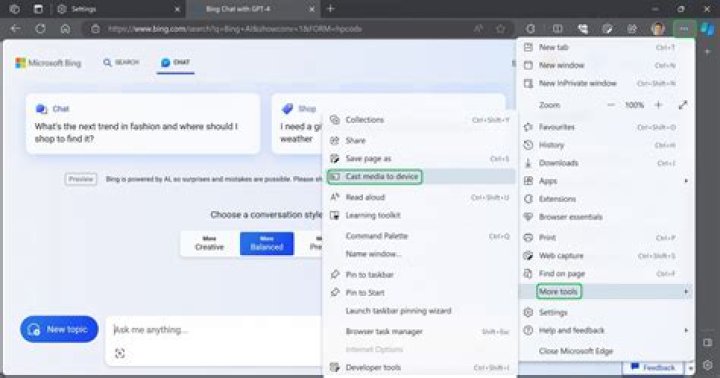
Until recently, the chromium-browser was able to cast desktop windows to a chromecast device via the three-dot-menu and then 'Cast...'. This stopped working, but I can't tell exactly when, since I use this feature rather seldomly.
The current behavior is as follows:
- The chromecast device is detected and appears in the menu as a cast target.
- When starting a cast for a tab or for desktop, the menu switches to show that it is casting and the chromecast connected screen goes black, but only briefly.
- Then the casting stops as if I had stopped it manually.
- On a site like youtube, casting of the video still works.
- Current version is 89.0.4389.90.
What I tried:
- I varied all 'cast' related combinations in
chrome://flags. - Looking at all .log or LOG files in
~/.config/chromiumbrought up no hints.
Any hints as to how to fix or at least debug this further appreciated.
1 Answer
After some more digging, I found this reddit post and it actually has a solution: In chromium use
- three-dot-menu -> settings
- search for 'accel' and disable 'Use hardware acceleration when available'.


