Chrome HSTS Error: ERR_CERT_AUTHORITY_INVALID
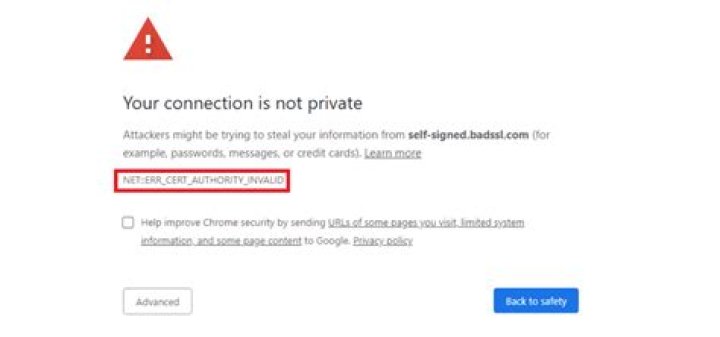
I am using a self-signed certificate on my openmediavault setup. On Firefox, there is an option to add an exception to that, but on Chrome it complains with the error code: ERR_CERT_AUTHORITY_INVALID
It also does not allow me to continue the unsecure website and displays the following error:
xxx.com normally uses encryption to protect your information. When Chrome tried to connect to xxx.com this time, xxx.com returned unusual and incorrect credentials. Either an attacker is trying to pretend to be twitter.com, or a Wi-Fi login screen has interrupted the connection. Your information is still secure because Chrome stopped the connection before any data was exchanged. Network errors and attacks are usually temporary, so this page will probably work later.
I tried to use Incognito window, but it is the same error.
I also imported the self-signed certificate by exporting and then double-clicking on it.
Using Windows 10
PS: I also used this but did not solve my issue.
2 Reset to default

