chirp on ubuntu
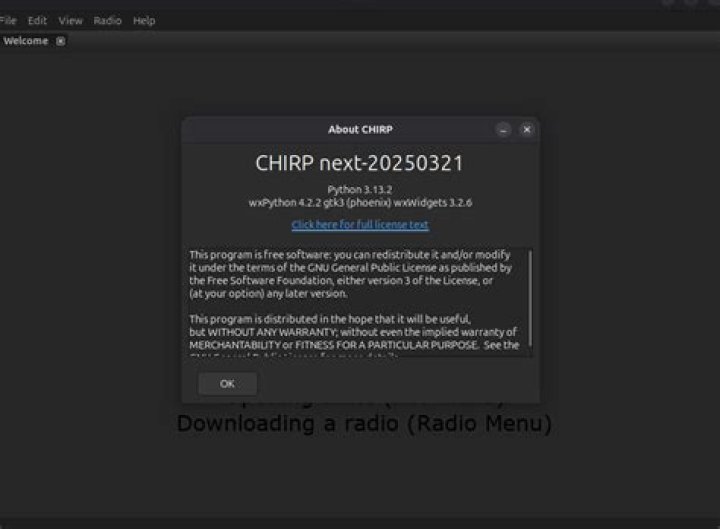
I did install the chirp on my ubuntu 14.04 lts according to instructions:
sudo apt-add-repository ppa:dansmith/chirp-snapshots
sudo apt-get update
sudo apt-get install chirp-daily
It worked. How do I run it?
13 Answers
Try running "chirpw" in the terminal.
Having installed chirp using sudo apt-get install chirp , I can see that there is chirpw command available in terminal, as well as /usr/share/applications/chirp.desktop file. Thus you can either run chirpw in terminal, or search for the chirp in Unity's Dash
As you know, CHIRP is a FREE cross-platform, cross-radio programming tool. It works on Windows and Linux (and MacOSX with a little work). It supports a growing list of radios across several manufacturers and allows transferring of memory contents between them.
chirp is available in the Universe repositories for all currently supported versions of Ubuntu.
The first thing you need to do is enable the Universe repository for your version of Ubuntu.
Then open a terminal and enter the following command:
sudo apt-get install chirp
or Install via Ubuntu Software.
Then launch either via the Chirp icon in your application launcher:
Or via terminal with the command: chirpw


