change Realtek PCIe GBE Family Controller default network
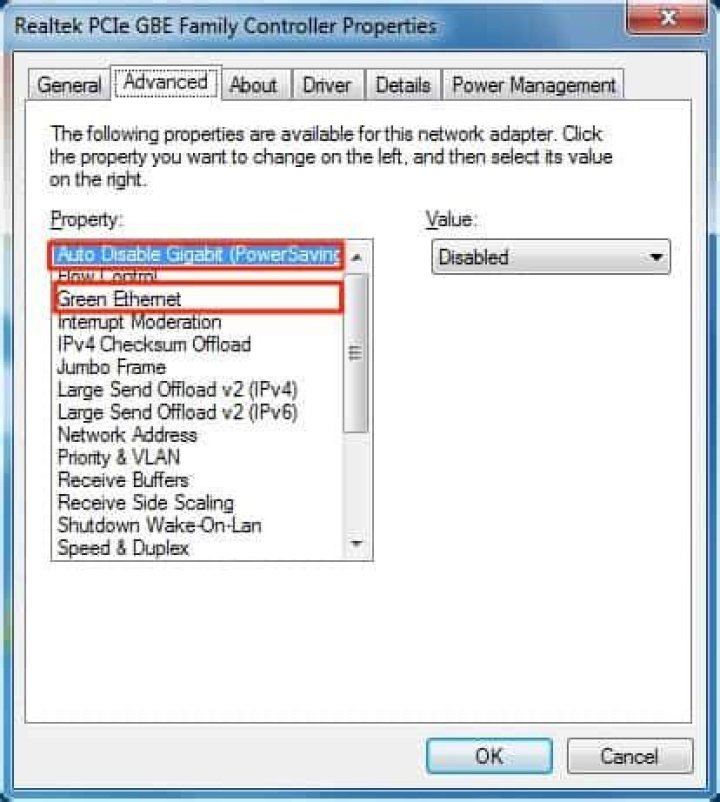
How do I change the Realtek PCLe Family Controller default network in peer to peer ethernet lan network in Windows 10? Most of the desktop PC's are winding up on their own network, not seeing other PCs.We are a small nonprofit with 5 primary desktops, one of which we use as a data server. On this desktop, which we call our pseudo server, is installed our financial data files (QuickBooks Desktop) and related software and other critical applications. We try to store all our files and folders on this desktop as well.. This is the one desktop PC we backup on a daily basis. We do not have a network domain, just a private workgroup. Comcast is our ISP.We are not in a domain, just a workgroup on a private network with file sharing enabled. I called that the peer to peer network. On 4/29/2022, I tried toggling the private network settings and had some success. Now: The pseudo Server, DT0812-01, IP Address: 10.1.10.5, is on Network #5.It does not see itself on our network!It sees the 4 other Desktop PCs: Desktop-Managers, DT0812-03, DT0812-04 and Desktop-Staff1. The manager's PC, Desktop-Manager, IP Address :10.1.10.159, is on an un-numbered network, it was network 3. It still does not see the pseudo-Server. It sees the 4 other Desktop PCs: Desktop-Managers, DT0812-03, DT0812-04 and Desktop-Staff1. The Assistant's PC, DT0812-03, IP Address: 10.1.10.205, is also mapped to \ DT0812-01\SEPIA. It is now on Network 5 It does not see the pseudo-Server. It sees the 4 other Desktop PCs: Desktop-Managers, DT0812-03, DT0812-04 and Desktop-Staff1. The new PC, Desktop-Staff1, IP Address: 10.1.10.75 is also mapped to the \ DT0812-01\SEPIA as mentioned above. It is now on Network 5. It does not see the Pseudo Server. It sees the 4 other Desktop PCs: Desktop-Managers, DT0812-03, DT0812-04 and Desktop-Staff1. The old Archives PC, DT0812-04, IP Address is: 10.1.10.230. It has a failed map to the Pseudo Server. It is on Network 4. It does not see the Pseudo Server. It sees the 4 other Desktop PCs: Desktop-Managers, DT0812-03, DT0812-04 and Desktop-Staff1.
21 Answer
It's a little tricky deciphering what you want here, but under the assumption that you are referring to your home group settings which can be found inside the Network and Sharing Center, and also your Advanced Sharing Settings which give you more specific control over what is shared by computer within your local network.


