Change default terminal with right-click option "Open in Terminal" in file manager
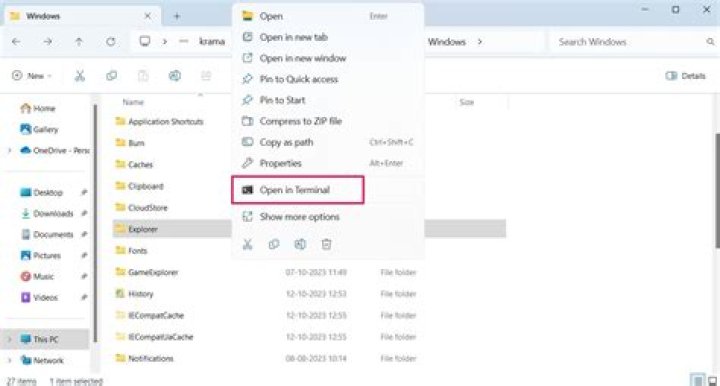
I have installed Konsole on Ubuntu 20.04.2 and I want to set it as the default terminal emulator for which I have run sudo update-alternatives --config x-terminal-emulator.
When I go to the file manager and right-click in a folder and select "Open in Terminal" it runs the Gnome terminal emulator instead. How can I have Ubuntu select Konsole for this action?
21 Answer
There are many other questions on this topic, but solutions that once worked continuously break with newer nautilus versions. If I answer there, the answer is buried under a lot of very good answers, that currently don't work anymore. Hence, I answer here.
Currently, your best bet will be to use a nautilus python extension, nautilus-open-any-terminal. It allows to implement a right-click menu to nautilus that launches the terminal of your choice (actually, one of the "supported terminals", but konsole is in the list) in the current folder.
You should install python-nautilus, or python3-nautilus depending on your version of Ubuntu. Then the extension can be installed with pip, which you also will need to install first.
You will want to remove the now redundant "native" "Open in Terminal" menu entry: do this by removing nautilus-extension-gnome-terminal.


