"Capture full size screenshot" in Brave or Chrome doesn't work on certain pages (such as Airtable)
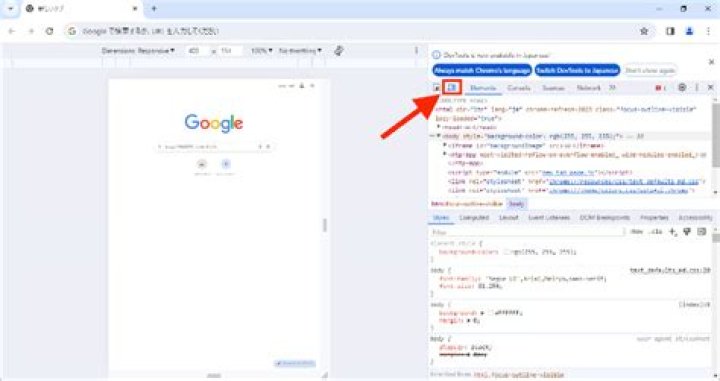
I love the "Capture full size screenshot" feature built into Chrome and Brave and use it frequently.
However, it seems that certain websites are coded in a way that the "Capture full size screenshot" feature does not know how to handle. And so then the resulting screenshot does not contain the full scrolled length of the page.
An example I've run into multiple times is long forms on .
I'm wondering if there is some workaround; perhaps I could open the DevTools panel and adjust a certain element's HTML or CSS before pressing "Capture full size screenshot". Although it would be annoying to need to do this, I really don't want to install extensions.
31 Answer
I found a really helpful answer here*, which worked!
I opened DevTools and added this CSS rule before running "Capture full size screenshot":
html, body, div, section { overflow: visible !important;
}
Another person on that page also mentioned:
Note that you can also use a JavaScript bookmarklet to toggle this style rule.
javascript:/*style::toggle*/(function(){var L='s-overflow',S='html,body,div,section{overflow:visible!important;}',SS,E=document.querySelector('style[id="'+L+'"]');if(E){E.parentNode.removeChild(E)}else{SS=document.createElement('style');SS.setAttribute('type','text/css');SS.id=L;SS.textContent=S;document.querySelector('head').appendChild(SS)}})()
Update on 2021-09-15: I just tried that JavaScript bookmarklet when a page at notion.site was giving me trouble, and the bookmarklet fixed the problem (and "Capture full size screenshot" then worked correctly).
*2021-10-09 Update: Actually, I decided to add , section too since sites like LinkedIn use that tag.


