Cannot set static IP address using Netsh
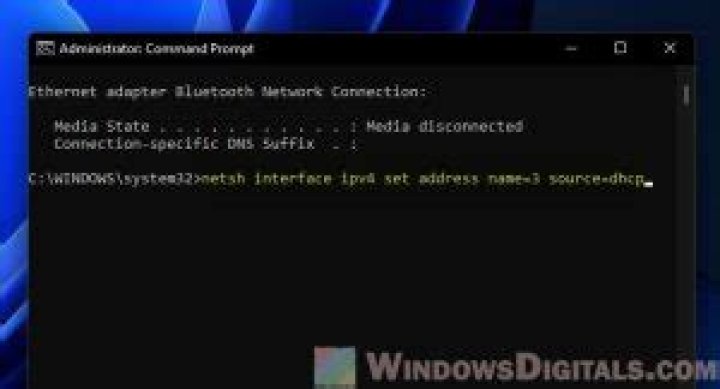
I have followed this article to set the following environment:
- DC: Windows Server 2008 R2 Enterprise (Full Installation) - Domain controller for the lab network, contoso.com
- SQL-A: Windows Server 2008 R2 Enterprise (Full Installation) - Domain member for hosting SQL Server
- SQL-B: Windows Server 2008 R2 Enterprise (Full Installation) - Domain member for hosting SQL Server
- SQL-C: Windows Server 2008 R2 Enterprise (Full Installation) - Domain member for hosting SQL Server
- SQL-D: Windows Server 2008 R2 Enterprise (Full Installation) - Domain member for hosting SQL Server
- SQL-CORE: Windows Server 2008 R2 Enterprise (Server Core Installation) - Domain member for hosting SQL Server
Now I have to executing the following command on the DC machine:
Netsh interface ipv4 set address “Local Area Connection” static 10.10.10.10but I get error:
Element not found.
I have not got any experience with windows administration and was not able to solve the error googling it.
Could anyone tell what is causing the issue?
21 Answer
I had the exact same problem. It turns out that during the setup of my VM, I had multiple LAN connections created (I created mine in VirtualBox) and I ended up deleting the one named "Local Area Connection." My active connection was named "Local Area Connection 2."
I discovered this by running the command: netsh interface ipv4 show interfaces
Then I ran the original netsh command with the interface number instead of the name and it worked.
See here for original source of answer.
0

