Cannot access plex outside lan
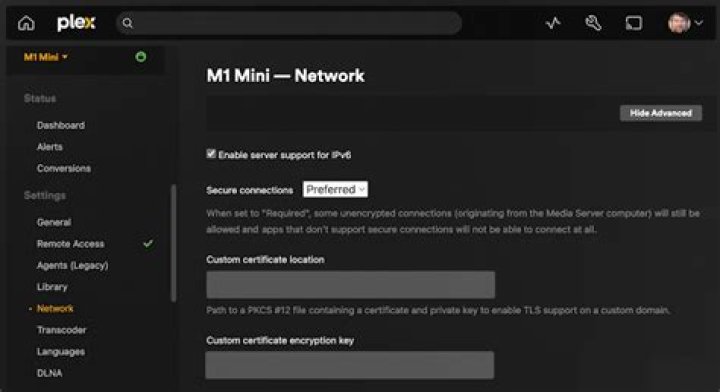
So i have tried the most common steps. Running ubuntu 14.04, one nic statically assigned, ww-drt on netgear n300, port-forwarding properly set up. Used both 32400 and other ports. Plex shows that i am able to connect from outside my network but this is not the case. I have no tried from an outside IP but going to my public ip x.x.x.x:32400/web from inside LAN with no luck.
I have this up and running awhile ago on a standard n300 without issues but moved back in DEC and just finally got server set back up and running. I was using a friends router/access point previously so thats why now i am running ww-drt now and not the standard netgear firmware. I am not trying to use a VPN either.
I have also tried turning on and off UFW and allowed appropriate ports.
The error im getting is the server isn't responding. Tried in both Safari and chrome.
1 Answer
It may be that your router does not allow outside traffic to come in (ICMP may be disabled from within your router firmware).
Are you (or your friends) able to ping your public IP address?
You may need to enable ping requests (open DD-WRT web interface for your router, go to Security tab, make sure "Block Anonymous Internet Requests (ping)" is unchecked. Reboot your router. Check if you can ping your public IP.
Note: The "block anonymous" wording may differ depending on your version of DD-WRT.


