Can't connect to PPTP server on Ubuntu 14
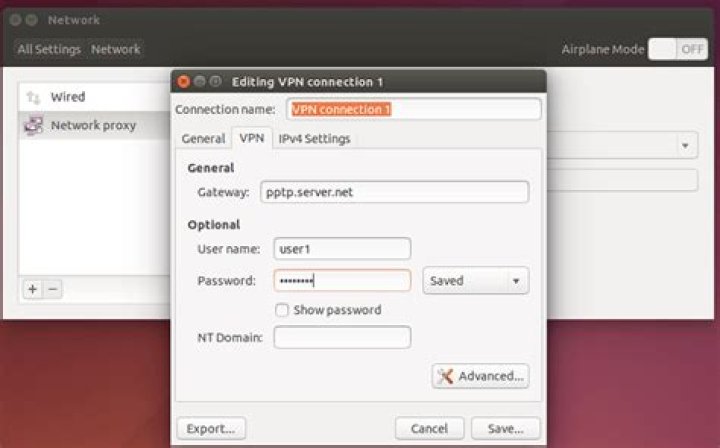
I am trying to set up a PPTP server on an Ubuntu VPS hosted at Digital Ocean. Just something simply and with basic encryption to use when I'm away from my home and office connections.
I've tried following a number of example set ups:
But when I go to login from my Mac it works for a while and then I get this response:
"The PPTP-VPN server did not respond. Try reconnecting. If the problem continues, verify your settings and contact your Administrator."
I checked iptables to make sure the port is open, and I get this:
0 0 ACCEPT tcp -- eth0 * 0.0.0.0/0 0.0.0.0/0 tcp dpt:1723I've also opened port 1723 on UFW.
Any help you can offer would be amazing.
Thanks.
1 Answer
PPTP user gre (Generic Routing Encapsulation) protocol. This protocol uses vpn server and send udp packets to your pc on port 47. Without this protocol pptp connection is not possible.
sudo ufw allow proto udp from any to ip_address_of_vpn_server port 47This is first step, and based on result and vpn server configuration we can discuss about mppe, chap, pap ....


