Can't connect to my personal Ubuntu server with SSH outside LAN
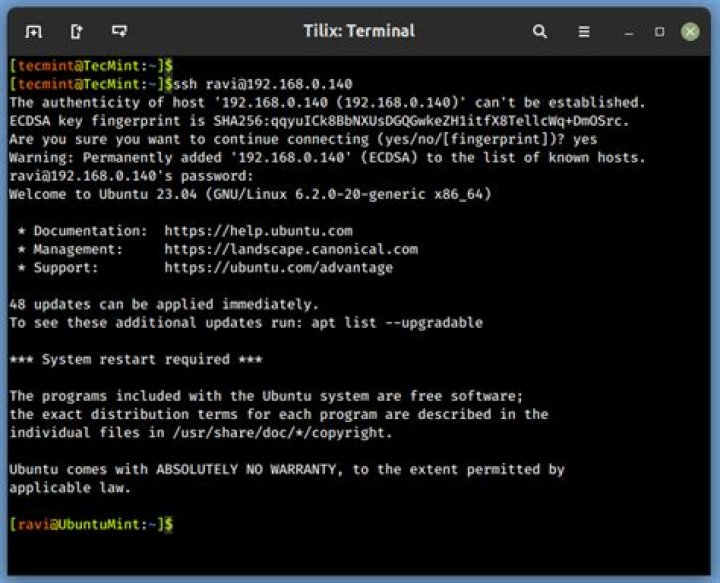
This is my first time setting up a server and I got a problem. When I try to connect to my server with SSH inside LAN, everything works fine but when I'm not at home and I try to connect to it, this happens :
C:\Users\MY_USERNAME>ssh -vvv MY_USERNAME@MY_DDNS_ADDRESS
OpenSSH_for_Windows_7.7p1, LibreSSL 2.6.5
debug3: Failed to open file:C:/Users/MY_USERNAME/.ssh/config error:2
debug3: Failed to open file:C:/ProgramData/ssh/ssh_config error:2
debug2: resolving "MY_DDNS_ADDRESS" port 22
debug2: ssh_connect_direct: needpriv 0
debug1: Connecting to MY_DDNS_ADDRESS [MY_IP_ADDRESS] port 22.
debug3: finish_connect - ERROR: async io completed with error: 10061, io:000001FB2C4C0400
debug1: connect to address MY_IP_ADDRESS port 22: Connection refused
ssh: connect to host MY_DDNS_ADDRESS port 22: Connection refused
I don't understand why the connection is refused. Here is what I already did :
- Forward port 22 traffic to my server in my router settings
- Allowing port 22 traffic in UFW on my server
- Try to connect to my server from different locations
Does anybody know what's the problem ?
51 Answer
I finally got it working by using a different external port in my router settings (instead of port 22). I don't understand what was the problem before, but it works now !


