Browsers can't connect to localhost
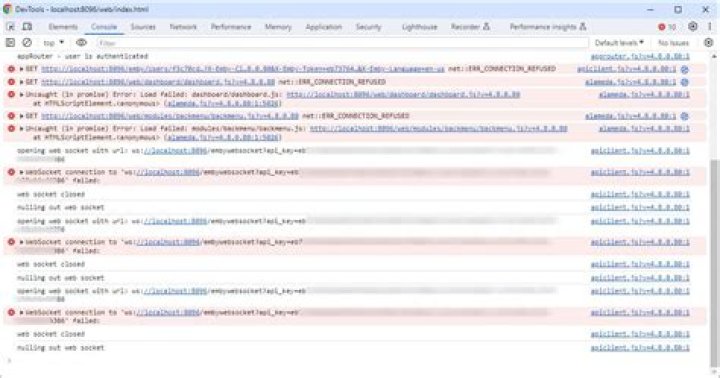
I'm using my own computer, running Mac OS X 10.8, as a testing server for a site I'm working on. This isn't the first time I've done this, and so far it's worked pretty much without a hitch.
But recently, for seemingly no reason, after I put my files to the testing folder via Dreamweaver, no browser can connect to localhost. I've tried going into Dreamweaver's Manage Site dialog, and deleting and re-adding the server, and restarting my machine, to no effect. What can I do to remedy this?
2 Answers
If this is the first time you've done it since you upgraded to Mountain Lion, you may have discovered that Apple removed Web Sharing from the regular client version of OS X. Apache's still there, and you can start it with sudo apachectl start.
Apple figures that people who need to set up web servers can upgrade to OS X Server for $20. Or you can find instructions on various sites for editing launchd plists to make Apache start automatically.
I "figured it out" (in quotes, as it was accidental): I went into System Prefs > Sharing and turned Internet Sharing on and off again.
1

