Black screen on HP Pavilion DV6000
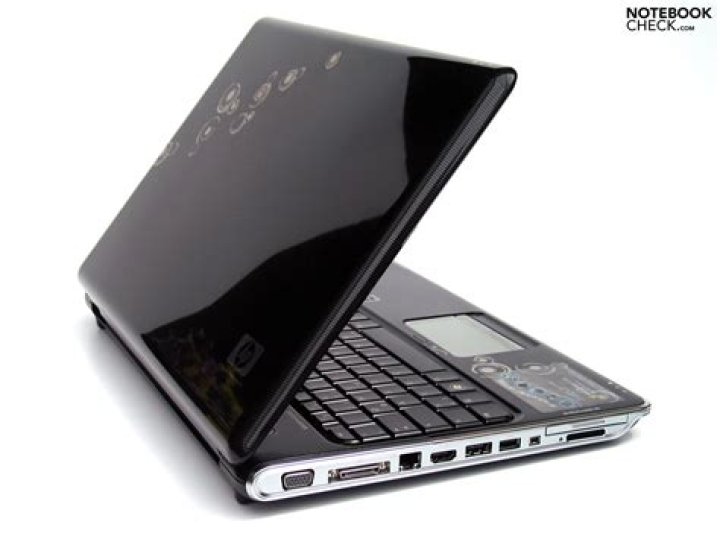
I'm having problems with my HP Pavilion DV6000 laptop.
When I boot it up, the screen goes black. The desktop can still be seen with a flashlight held to the screen though. I replaced the LCD inverter which solved nothing. (I assume the inverter I got from ebay was in good working order).
What should I try next?
3 Answers
I had faced a similar problem, and solved it with these steps (summarised from this video):
- shut the laptop down, unplug the power cord and remove the battery
- hold the power button down for 30-60 seconds
- plug the power cord back in and turn the laptop on
- if it doesn't work, try a couple more times; if it still doesn't work, then you're probably looking at a motherboard defect and should send the laptop back to HP for repairs
- if it works, pop the battery back in
The problem you're facing sounds like a Backlight failure. I had the same problem on normal lCD screens and fixed it myself spending not more than 1 hour and 10$
For your computer, please read this (It's for Pavilion ZV6000 but it's the same) and this might fix your issue for a low cost.
Some of the DV6000 series had serious video problems and HP extended the warranty on many of them, this warranty program has expired though.
The following symptoms apply to the dv6000, dv9000 and v6000 series notebooks: The notebook does not detect wireless networks and the wireless adapter is not detected in the Device Manager.There is no video on the computer LCD panel or external monitor.The notebook has no power and no active LEDs.The notebook does not start.The battery charge indicator light does not turn on when the battery is installed and the AC adapter is connected.The notebook issues a single beep during boot indicating no power.The external monitor functions but there is no image on the notebook LCD panel.


