BCM4352 Wireless network card issues with lubuntu 14.04 LTS
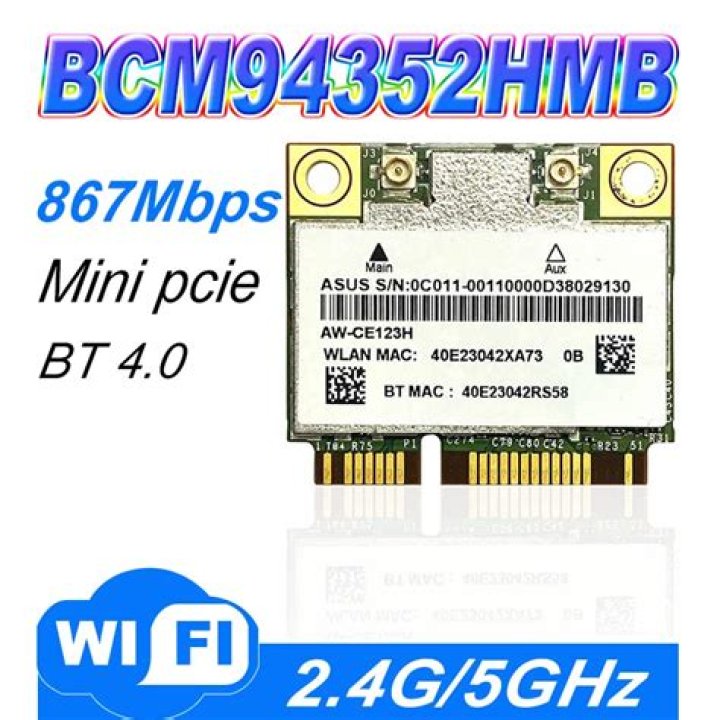
Just got a new laptop with Windows 8 on which I installed Lubuntu, but Lubuntu does not recognize my Broadcom Corporation BCM4352 Wireless Network Adapter. I Googled the web and went through a couple of tutorials but nothing seems to work.
I think before I try anything else I need to remove all the things that I installed from the tutorials I went through (dkms, bcmwl-kernel-source-dw1550.deb, bt-dw1550-firmware_0.1.all.deb, etc.)
Is there a way I can uninstall everything I installed after Lubuntu? In other word, is there a way to revert-to-default post installation state?
2 Answers
There is a dell laptop that has drivers for this card. Link to thread here.
What I did:
1) First download and extract the .tar.gz file from here.
2) Then in debs/main/ folder install (double click in GUI or use dpkg -i in cmd) linux-headers-3.5.0-30.51~precise1_all.deb (the 12.1MB one).
3) Next go back to the debs/ folder and install the bt-dw1550-firware_0.1_all.deb
4) Install bcmwl kernel source by: sudo aptitude install bcmwl-kernel-source
5) Finally restart and WiFi should be working like normal
Not managed to get the integrated bluetooth to work only just this second got WiFi to work and came across this thread as I was searching for help. If anyone finds a way to get bluetooth to work please do tell! :)
As of today, this network card is not supported.
1

