Batch File: Output of IF and ELSE Statements Are Reversed Within Menu Script
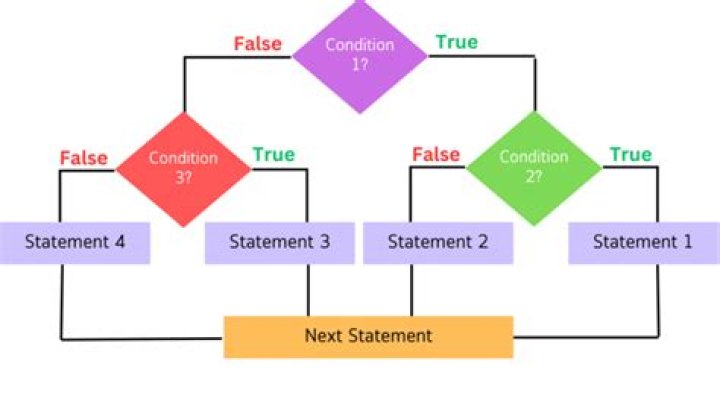
THE PROBLEM: When the If (goto) statement equals "Microsoft Windows 7 Professional", it's going to the else statement, not the if statement. When the first goto statement is chosen, the second goto statement is executed.
for /f "skip=1 delims=" %%x in ('wmic /Node: "pc-%cn%" os get caption') do @echo.%%x
if "%%x"=="Microsoft Windows 7 Professional" (goto seven) else (goto ten)
I am running this on remote computers (thereby the /Node inclusion).
Here is the entire Batch File:
@ECHO OFF
:: +++++++++++++++++ ENTER PC +++++++++++++++++++
cls
echo.
echo PC Tasks
echo --------
echo.
set /p "cn=Enter Computer Name Extension: "
:: +++++++++++++++++++ MENU +++++++++++++++++++++
:begin
cls
echo.
echo 1) OS Build Version
echo 2) Exit
echo.
goto option
:option
set /p op=Type option #:
if "%op%"=="1" goto test
if "%op%"=="2" goto exit
:: ++++++++++++++++++++ OPTIONS ++++++++++++++++++++++
:test
:: Check for OS
for /f "skip=1 delims=" %%x in ('wmic /Node: "pc-%cn%" os get caption') do @echo.%%x
if "%%x"=="Microsoft Windows 7 Professional" (goto seven) else (goto ten)
echo.
pause
goto option
:seven
:: Windows 7 Build Version
systeminfo /s pc-%cn% | findstr /B /C:"OS Name" /C:"OS Version"
echo.
goto option
:ten
:: Windows 10 Build Version
psexec \\pc-%cn% cmd.exe /c Reg Query "HKLM\SOFTWARE\Microsoft\Windows NT\CurrentVersion" /v ReleaseId
echo.
goto option
:exit
@exit
Thank you to anyone who is able to help.
31 Answer
It seems to work with the following syntax. I removed the quotation marks around Microsoft Windows 7 Professional. And additionally split IF/ELSE across multiple lines.
if "%%x"==Microsoft Windows 7 Professional (
goto seven
) else (
goto ten
) 

