Back up the download folder on win10 in OneDrive
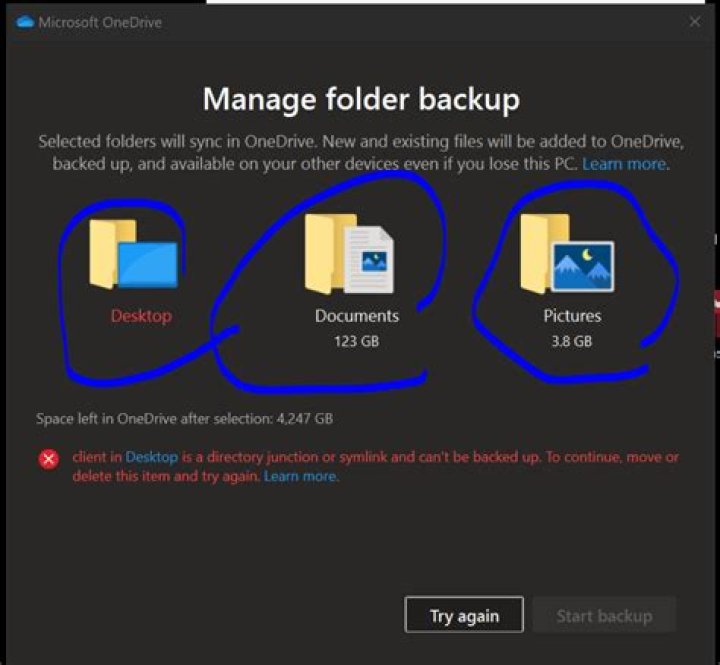
Seems that one drive could only backup "desktop" "documents" "photos", but not the "download" folder?
2 Answers
The Downloads folder is sort-off designed for ephemeral data.
However, you can try to do the same thing OneDrive does with the other folders: Move it. To do so, open the properties window and go to the “Location” tab:
Use the “Move” button (or simple enter the path manually). It could be something like C:\Users\Daniel\OneDrive\Downloads in my case. Then click OK. If the folder does not exist yet, you’ll have to confirm that it should be created.
You will then be asked whether the existing files should be moved. It is very important you confirm this, otherwise you’ll end up with two “Downloads” folders in your user profile.
Afterwards, your Downloads folder will be redirected inside OneDrive, just like the “Desktop”, “Documents” and “Pictures” folders.
3Don't forget to also set the Downloads directory in Microsoft Edge. In the Settings, look for the Downloads category and then update the Location.
2

