AutoComplete Mac OS X doesn't operate normally
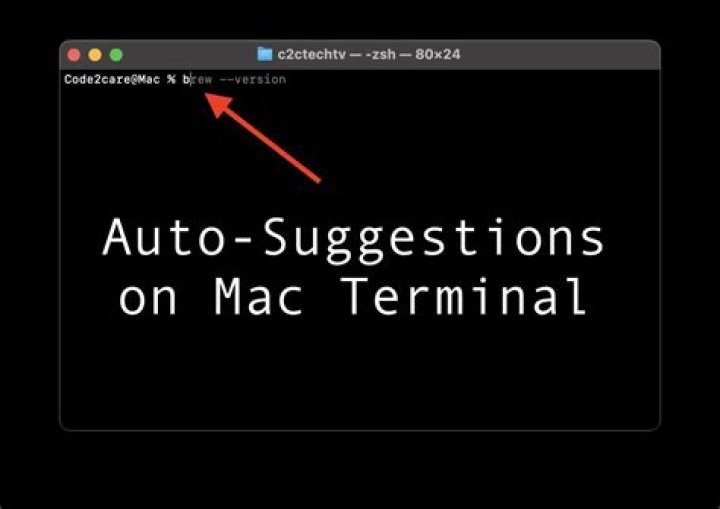
In my Working Directory I have 3 files and directories names:Applications, Application, Appendix.txtWhen I am trying to do AutoComplete by hitting tab it misbehaves
I type App and hit tab, AutoComplete gives me Applications instead of stopping and allowing me to choose one of the three entries (when hitting another tab).
What can I do to fix this issue?
41 Answer
Great, I found the answer to this issue. Anyway, all you have to do is to edit a file called .inputrc in the home directory ~.
So here are the steps:
nano ~/.inputrcIn the file Delete the following line: TAB: menu-complete.
The file should contain only the following lines:
set completion-ignore-case on
set show-all-if-ambiguous on
Then restart the terminal.
And voilà.


