Authentication failure while connecting to server imap.gmail.com
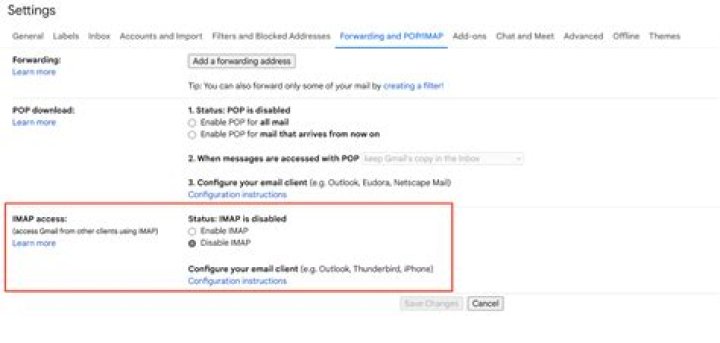
Is there some persistent problem with how Thunderbird interacts with Gmail? I've authorized Thunderbird numerous times but am caught in a loop.
I've logged into the browser numerous times, check and re-checked the password. On another account, on the same pc, Thunderbird connects to this Gmail account fine. So, it's certainly not a question of configuring the account to allow Thunderbird access.
Again, on the same pc, a different account accesses this Gmail account through Thunderbird without any problems.
Why does Thunderbird keep insisting that there's a password problem? I'm just not that bad at typing in passwords...
Unable to login at server. Probably wrong configuration, username or password.
1 Answer
Per:
Solution suggested in this thread solved my problem.
It seems, that gmail fails authentication when it detects useragent of inbuilt Thunderbird browser.
The solution is to set "general.useragent.compatMode.firefox" property to true. This is done with config editor (Options > Advanced > General > Config Editor...).


