Attempting to disable NTP with timedatectl results in "Failed to set ntp: The name org.freedesktop.timedate1 was not provided by any .service file"
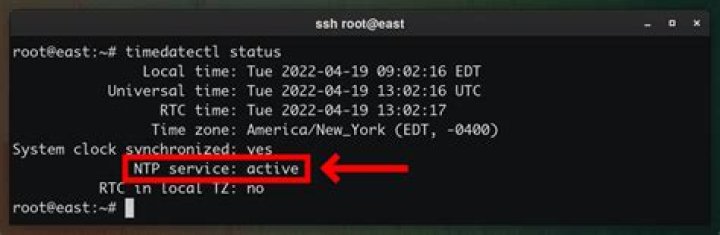
I have an earlier question at How do I turn off the automatic update of the system time on. My problem was not resolved but it was recommended that I repost with this question.
My understanding is that with Ubuntu 16.04.2, timedatectl should be available to turn the system clock off and back on. Currently, when I run:
timedatectl set-ntp falseI get the following message:
Failed to set ntp: The name org.freedesktop.timedate1 was not provided by any .service filesMy guess is that I must install some additional software, but that is only a guess and I don't know what software, if any, is missing. Does anyone have any suggestions?
I'm running Ubuntu 16.04.2 and using openbox with it.
1 Answer
It sounds like you may be trying to disable something which is not currently enabled. Check the output of this command:
systemctl status systemd-timesyncd.service Look at the Loaded: line. Does it say "enabled" or "disabled"?
Look at the Active: line. Does it say "active" or some other value?
If the service is not active and not enabled, then your goal has already been accomplished.


