Asus Laptop only booting into BIOS (help!)
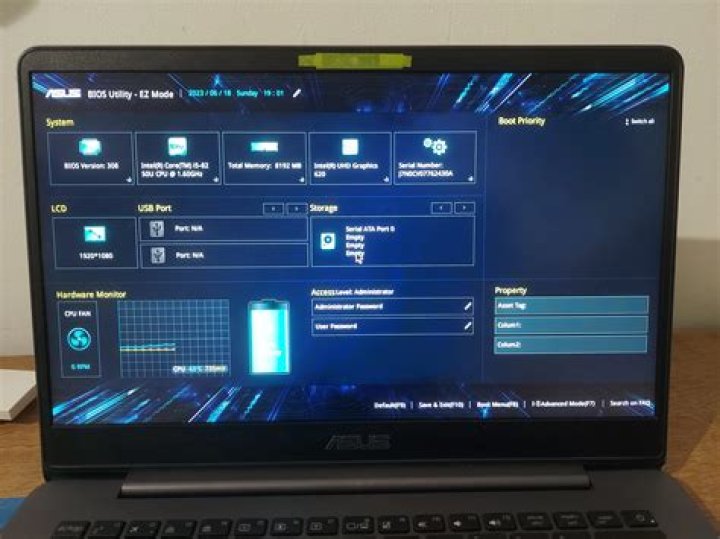
Recently I closed my laptop, set it on a table then the next time I went to pick it up it went from boot up straight to the BIOS. I immediately pressed ESC and tried to exit. The computer would go black for a split second and then come back to the BIOS. I tried resetting default BIOS settings and the computer reset then went straight to bios again.
Here is the info about my laptop
Brand: ASUS
Model: UX302L
RAM: 8GB (installed myself)
Processor: i5-4200
Operating System: Windows 8
My question is how do I get past the bios into windows or at least windows start up repair?
71 Answer
Try these instructions:
- In Boot Menu -> Change FastStart to [Disable]
- In Security Menu -> Change Secure Boot to [Disable]
- Then 'Save Configuration & Exit', when the BIOS screen appears again
- Go to the Boot Menu again -> Change Launch CSM to [Enable]
This worked for me with Windows 10 on an Asus ZenBook UX330UA


