Arrow keys not working in Excel 2013
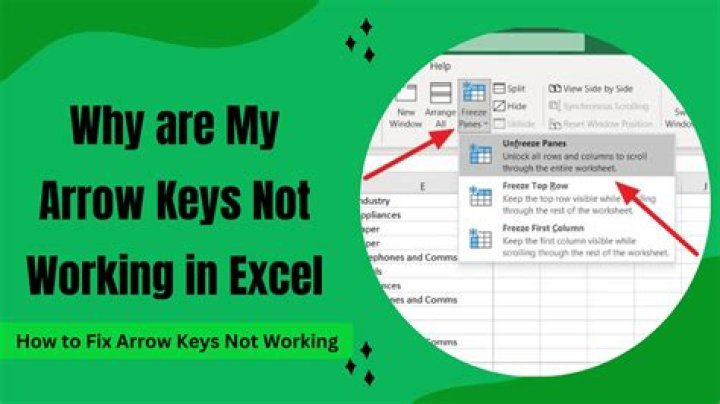
I have a Dell laptop with Excel 2013 installed. I am unable to use the arrow keys to move between cells.
I have seen similar questions where the Scroll Lock key was the solution, but not for me. I do not have a Scroll Lock key, so I went to my OnScreen keyboard to click it, but it makes no difference.
Also, when I click a cell, I cannot type text in it, I have to double-click to be able to type... is there also an option for that?
Any other ideas?
42 Answers
To solve this problem, I went to my Control Panel -> Ease of access -> Make the keyboard easier to use
Then I checked the Turn On Sticky Keys option, and click OK.
Then go back and uncheck the Turn On Sticky Keys option, and click OK.
Problem is gone.
For those with HP laptops, the scroll lock function is mapped to (function key + c).
This is the most infernal function in all of Excel. Please, Microsoft, fix this UX disaster and give the user a visible option to toggle this!


