Adjusting the audio volume of a remote pc
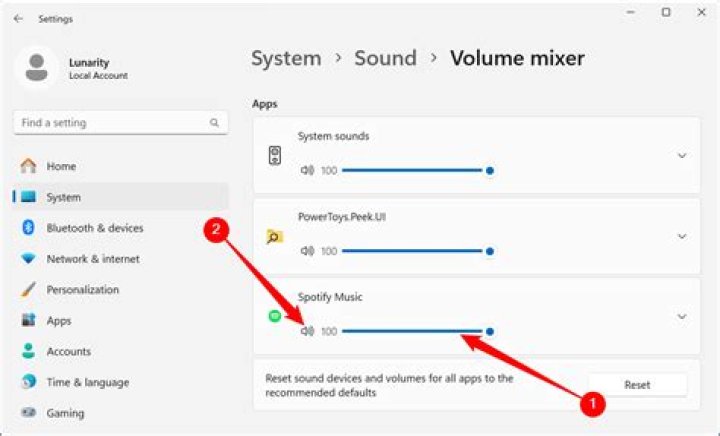
I have an Intel NUC running Windows 10 that is connected to my home cinema speakers which I use to listen to Spotify.
While I can change the volume of Spotify remotely using Spotify Connect, sometimes the system volume is lower than I like, usually because I was watching movies on the NUC the night before.
Is there any way to change the system volume from a remote system, over the network?
2 Answers
You can use use vbscript to change volume using some utilities such as NirCmd (see: )
Snippet:
var oShell = new ActiveXObject("WScript.Shell");
// Increase the system volume by 20000 units (out of 65535)
oShell.Run("nircmd.exe changesysvolume 20000");
You can combine that with PsExec ( ) which is a Microsoft Sysinternals tool.
Snippet (that is running ipconfig):
wshShell.run("cmd /k psexec \\REMOTEPC -u userhere -p " & password & " -s ipconfig /flushdns") PsExec can actually run remote programs as if they are local, so you can probably set it up to simply launch the sound volume applet directly.
It depends on your OS.
Windows 10 pro has Remote Desktop as one of its features which can be accessed from another device.
However, if you have any other OS then use VNC which can be installed on all major operating systems including many Linux distros
1

