Add multiple values to one registry key
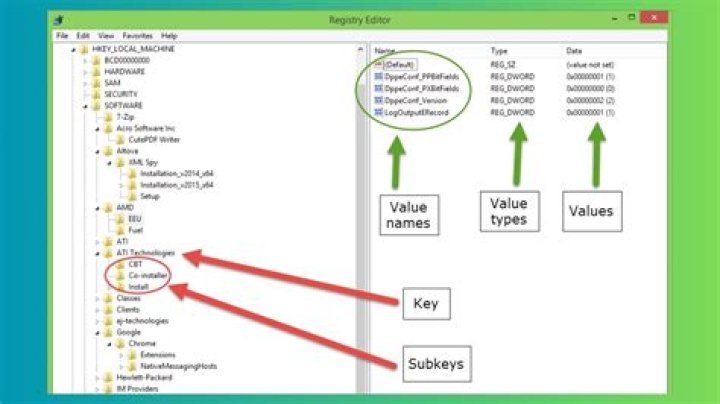
How can I add multiple values to one registry key without having to repeat REG ADD [key] on every line?
1 Answer
Use a variable to avoid having to retype the key:
Set "Key=HKCU\Software\Microsoft\Command Processor"
Reg Add "%Key%" /f /v CompletionChar /t REG_DWORD /d 0x9
Reg Add "%Key%" /f /v DelayedExpansion /t REG_DWORD /d 0x0
Reg Add "%Key%" /f /v EnableExtensions /t REG_DWORD /d 0x1
Reg Add "%Key%" /f /v PathCompletionChar /t REG_DWORD /d 0x9
reg add "%key%" /f /v DefaultColor /t REG_DWORD /d 0x0a

