Add a trendline to a stacked bar chart
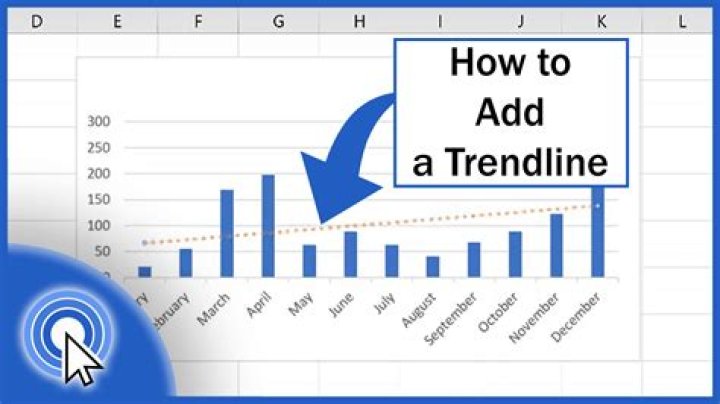
In Excel I have a stacked bar chart like this:
for which I want to add a trendline for the total (ie the full vertical bar).
The instructions I have found are for old Excel versions. One problem (apart from the different menu options) is that, if I add a total column, Add Trendline remains greyed out.
How can I add a trendline to a stacked bar chart with modern Excel?
1 Answer
add a column with the totals in it
Insert a combo chart, using "stacked column" for all the data and "line" for the totals
On the chart, click on the totals line and insert the trendline you want
Once the trendline is inserted, re-select the totals line and change the format to "No line"


