accessing `http://127.0.0.1:8080/` via wget/curl with powershell encounters "Internet Explorer engine" error, how do I do?
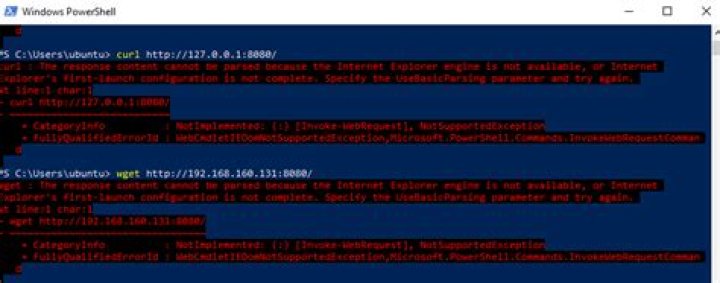
I have an http server running well locally.
I'm trying to access via wget/curl with powershell and get this error
The response content cannot be parsed because the Internet Explorer engine is not available
In contrast, git bash works well
How do I fix the problem and get the HTTP response successfully?
1 Answer
It seems Internet Explorer is not available on your machine, so the response html can not be parsed by it. You have to tell PowerShell not to use it:
curl -UseBasicParsingBut this means you wont have a DOM object in your response which is sometimes handy.
When using curl in Powershell it is just an alias to the Invoke-WebRequest cmdlet.
On Linux curl uses a completely different binary and behaves differently.


