2 Screens 1 HDMI port and HDMI Splitter LAPTOP
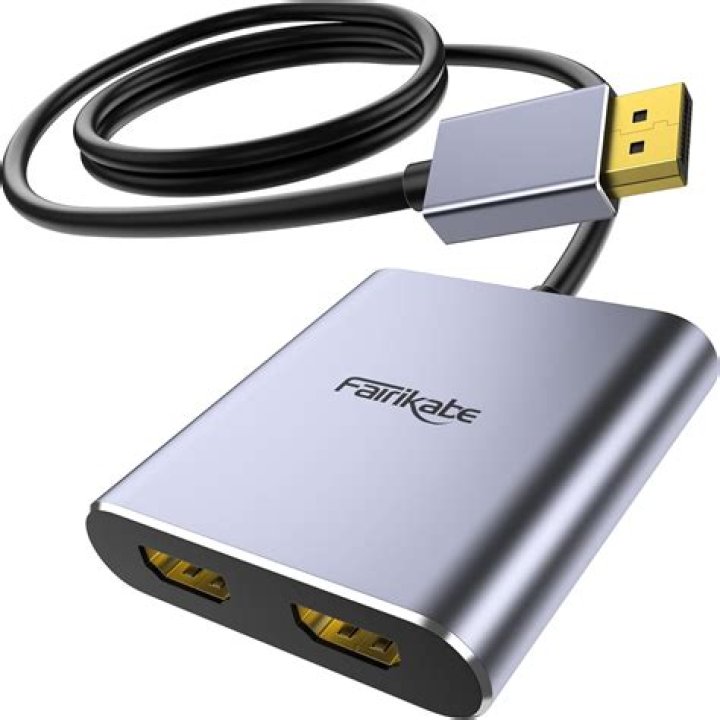
I have a Laptop at work and they got me 2 monitors because I need to have 2 different screens, but since it's a laptop it only have one HDMI port, so we got a Splitter to connect both Screens, but both are showing the same thing, and if I try to use the extended is going to take the Laptop screen also and I don't need that screen... Can someone help me get this done right?
21 Answer
HDMI does not have the ability to send two different display streams through the same cable, so there is no device that you can connect to an HDMI port that will provide you with multi-monitor capability. The splitter, as the name implies, will just send the same signal to the two monitors.
You need to add to your laptop a dock that has two ports of the type or types supported by your monitors and connect it to a USB port. You will get better results from a USB 3 port, if found on your laptop.
Search amazon.com or your favorite shop for a usb dock.
An example isthis one(just a random example and not a recommendation):


