'utf-8' codec can't decode byte 0xed when running sudo update-command-not-found
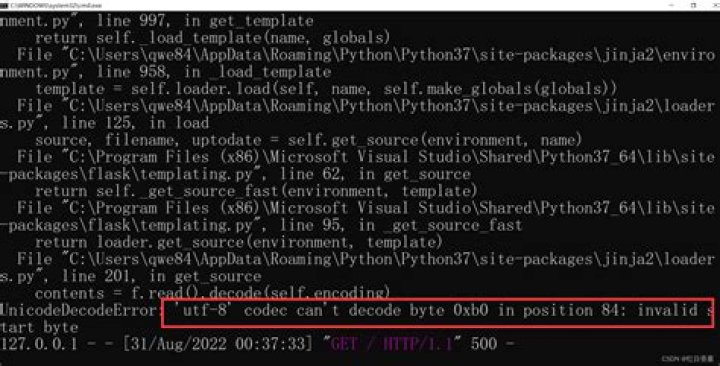
As the question above, when I try to run sudo update-command-not-found, I get this error
 Traceback (most recent call last): File "/usr/sbin/update-command-not-found", line 26, in <module> col.create(db) File "/usr/share/command-not-found/CommandNotFound/db/creator.py", line 94, in create self._fill_commands(con) File "/usr/share/command-not-found/CommandNotFound/db/creator.py", line 132, in _fill_commands self._parse_single_contents_file(con, f, fp.stdout) File "/usr/share/command-not-found/CommandNotFound/db/creator.py", line 228, in _parse_single_contents_file l = l.decode("utf-8")
UnicodeDecodeError: 'utf-8' codec can't decode byte 0xed in position 15: invalid continuation byte
I've tried so many ways to get rid of this. The problems seemed to be down to the 'utf-8' issue. Any ideas?
2 Answers
Just for anyone with a similar problems, the easiest solution is:
LC_ALL=C.UTF-8 update-command-not-foundAnd this works for a lot of similar UTF-8 issues related to any kind of installs. Beleave me!
I have the same problem on a Raspberry Pi after moving from Raspbian stretch to Raspbian buster.
In my case, the root cause is that the apt tool changed the format of files stored in /var/lib/apt/lists/*Contents* and these are now encoded using the .lz4 format. Therfore the update-command-not-found command can't read them any longer.
This can probably be solved by a new version of "command-not-found" tool ()


